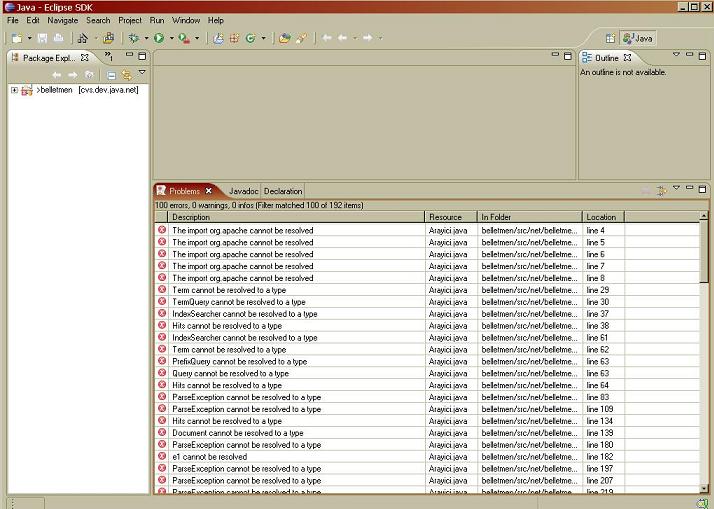
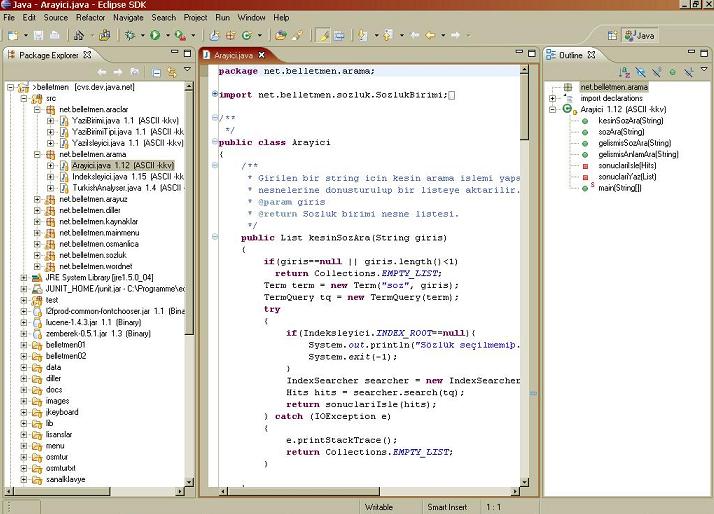
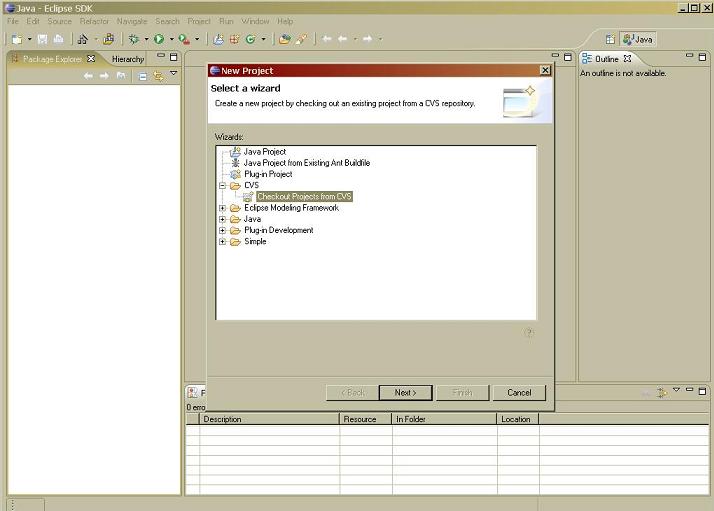
2.Select "Checkout Projects from CVS" in New Project Window and click next.
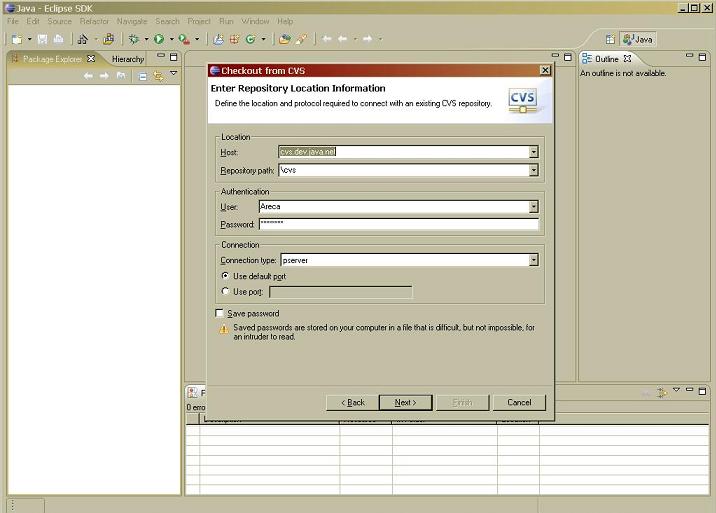
Host: cvs.dev.java.net
Repository Path: /cvs
User: your user account in java.net (you must have read/write access on belletmen. If you don’t have, contact the project manager of belletmen ahmetax@axtelsoft.com
Password: your password
Connection type: pserver (default port should be selected)
Click next.
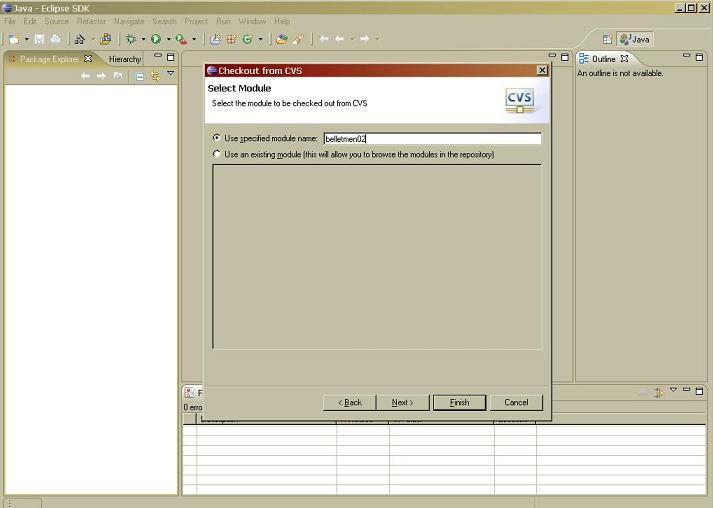
Use specified module name: belletmen02
The module can be changed by the project manager during development of new versions.If you get an error message something like
“cvs server: cannot find module `belo' – ignored”, then contact the project manager of belletmen to get the current module name.
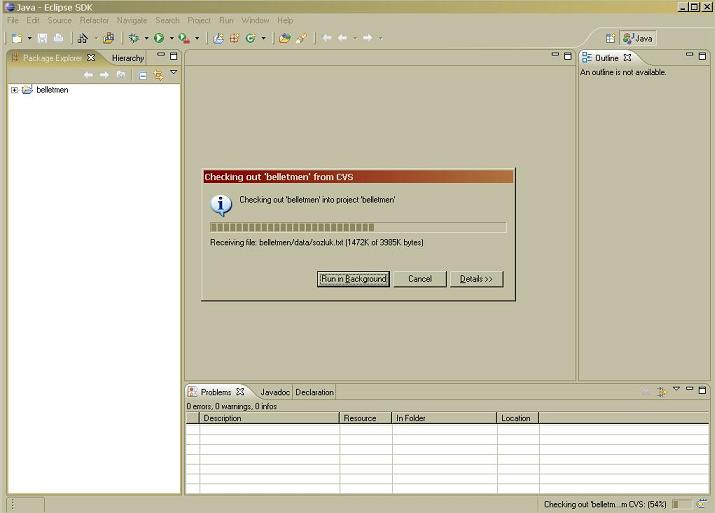
Click next.
These jar files depend on the messages you get (package names, classes etc).Contact the project manager in order to get external resources.